
Choose a Halloween border for a letter, invitation, classroom activity, or holiday message. Browse the designs below, then open a template to add your text or photo.
Start with a design you like. On pages with separate preview and customize links, the preview opens the image and the customize link opens the page designer in a new tab.
Browse the designs · Printing help and project ideas · See all page borders
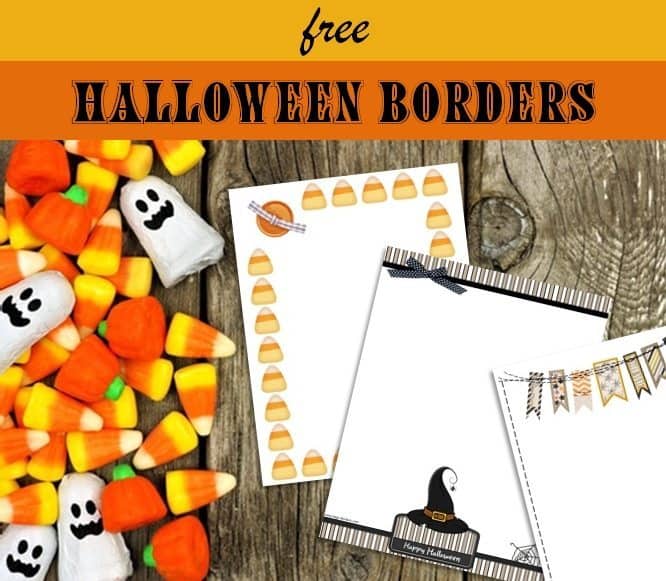
A Halloween border is a perfect way to add a touch of holiday cheer to your document or project. Our Halloween border templates feature festive designs with ghosts, pumpkins, spiders, bats, etc.
Before you print each Halloween border you can add text, an image or a logo with our free border maker. You can then download and/or print.
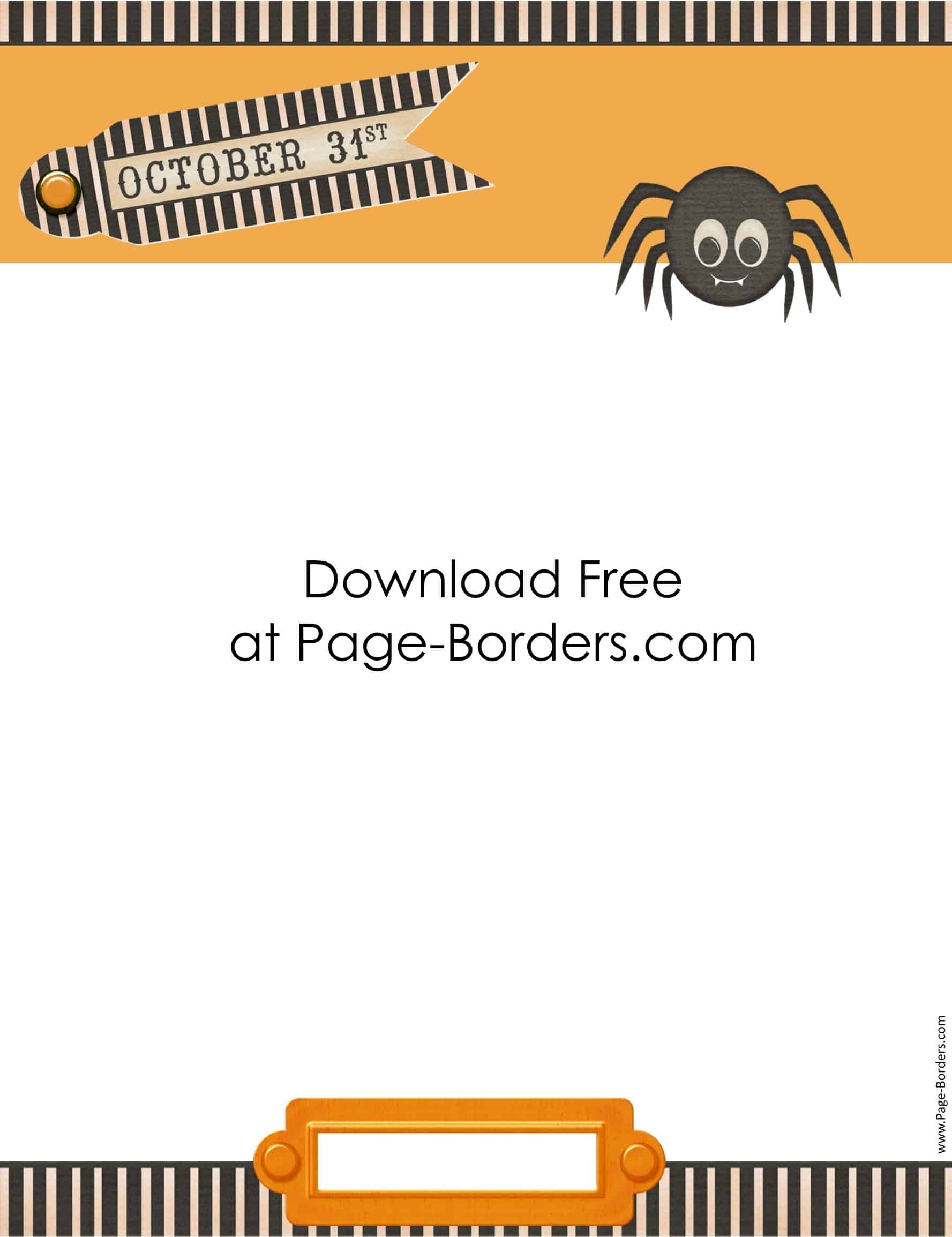

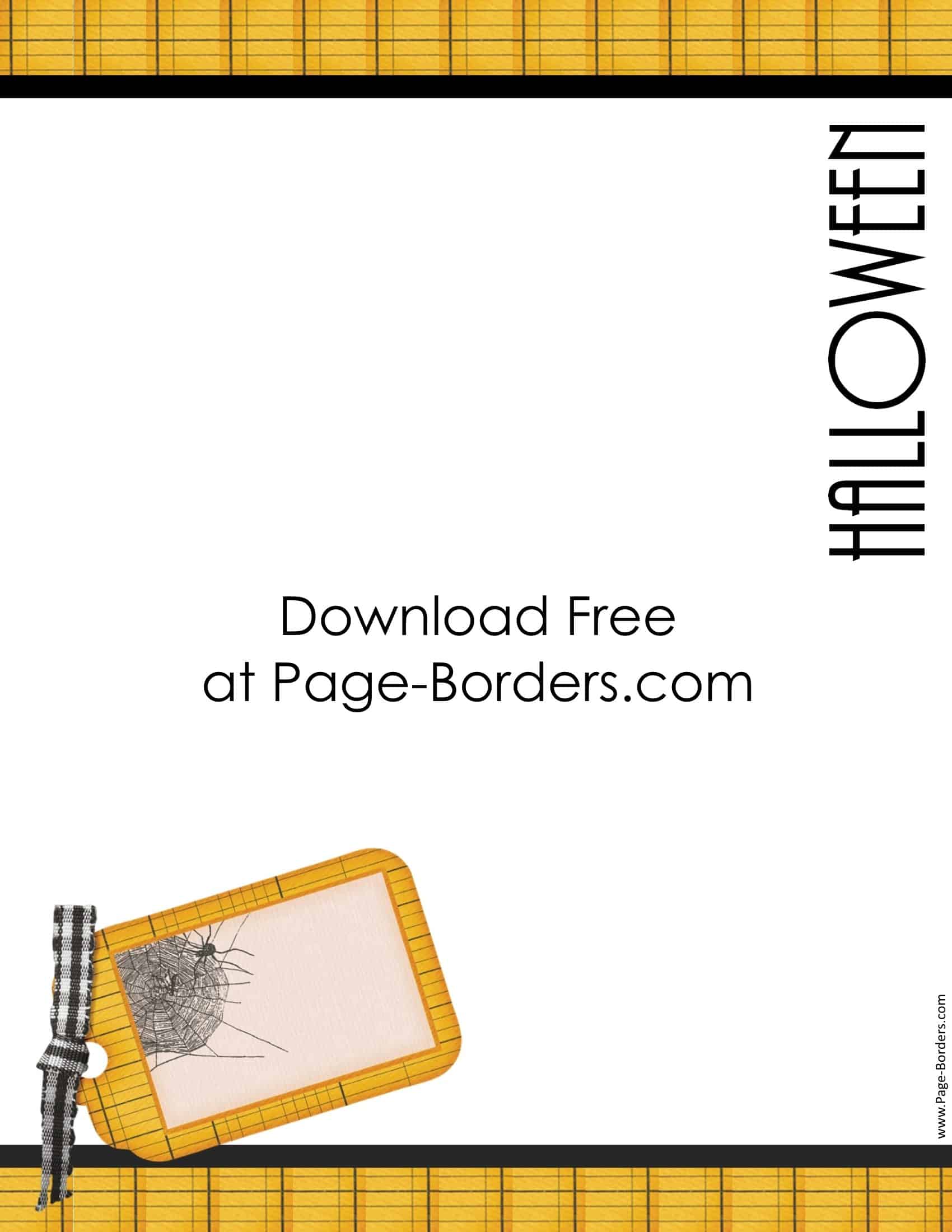
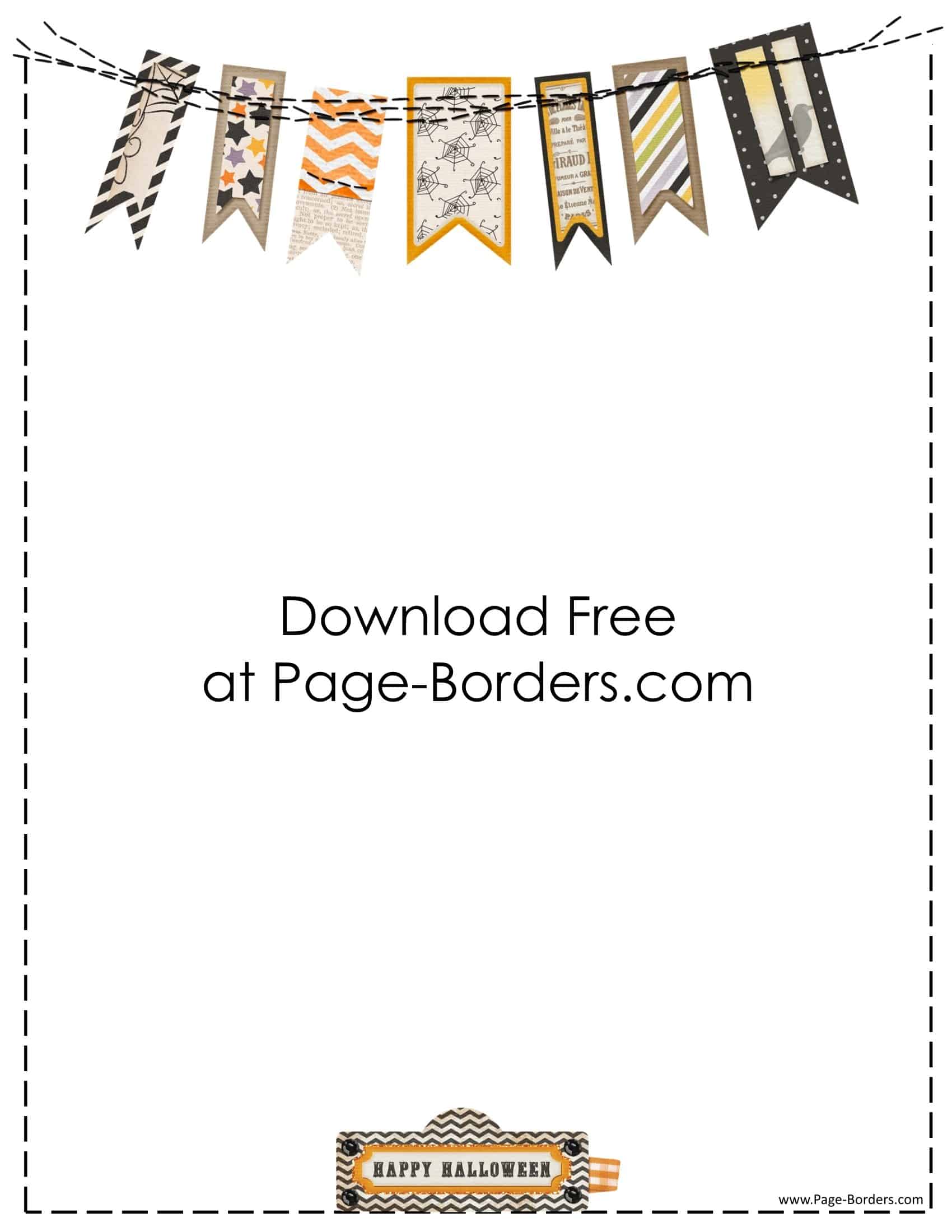
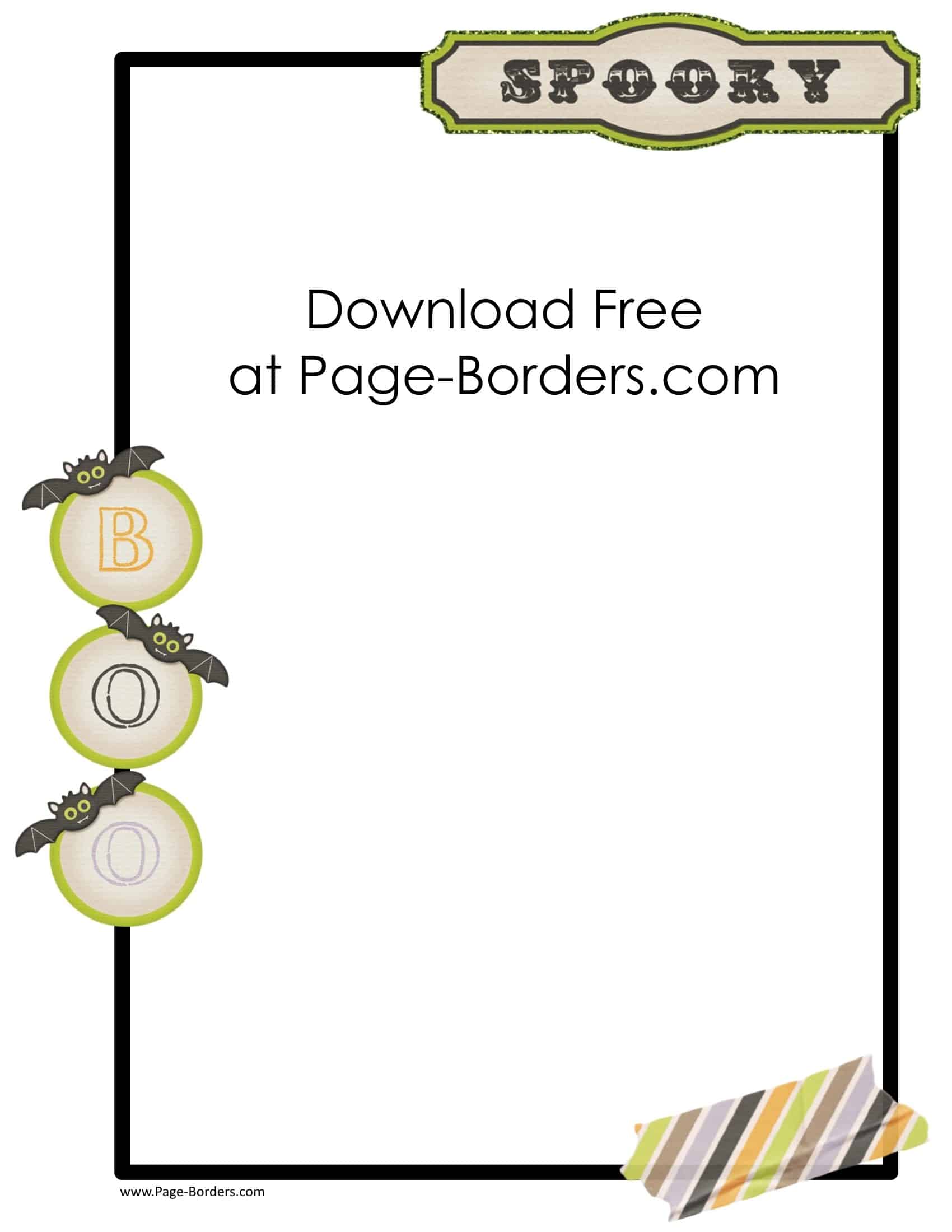
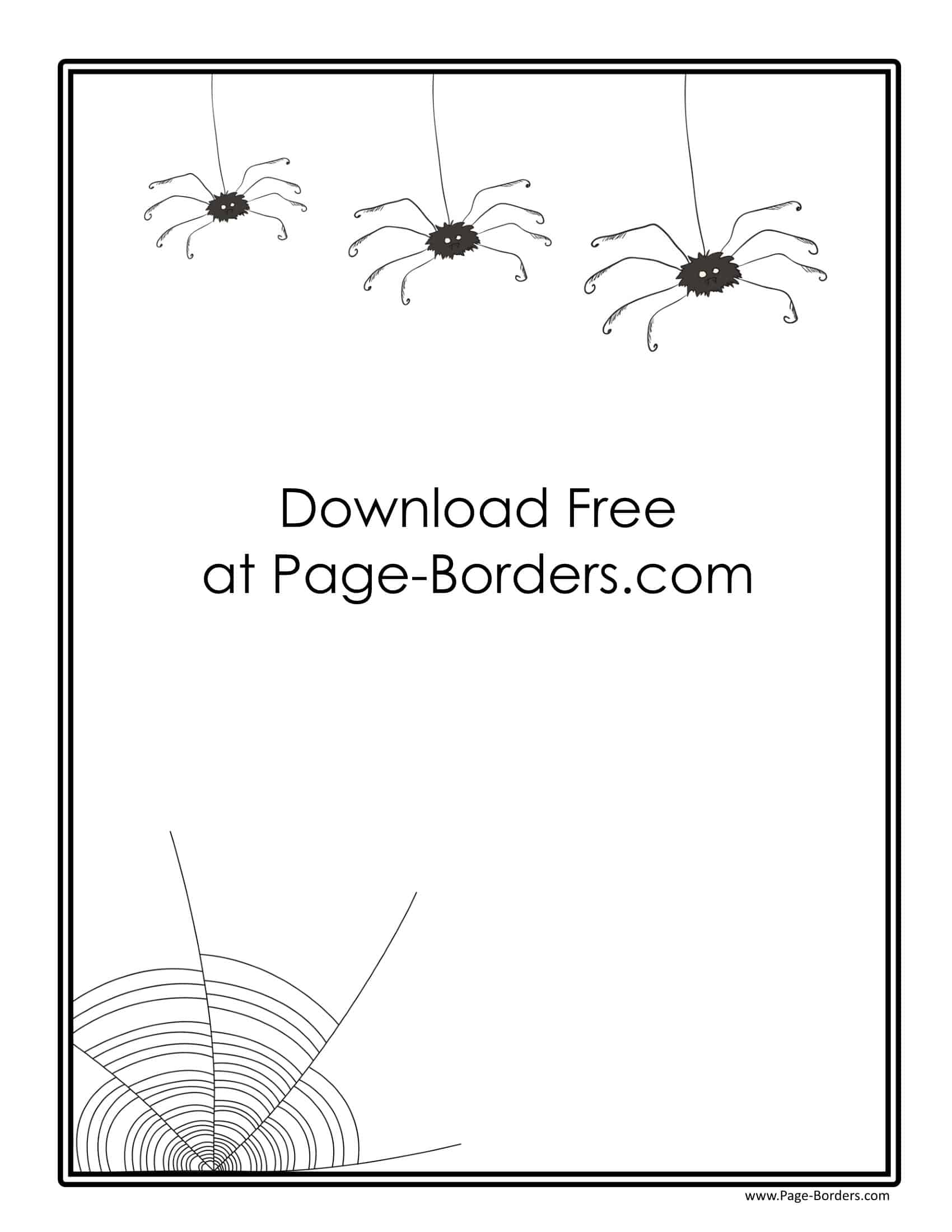
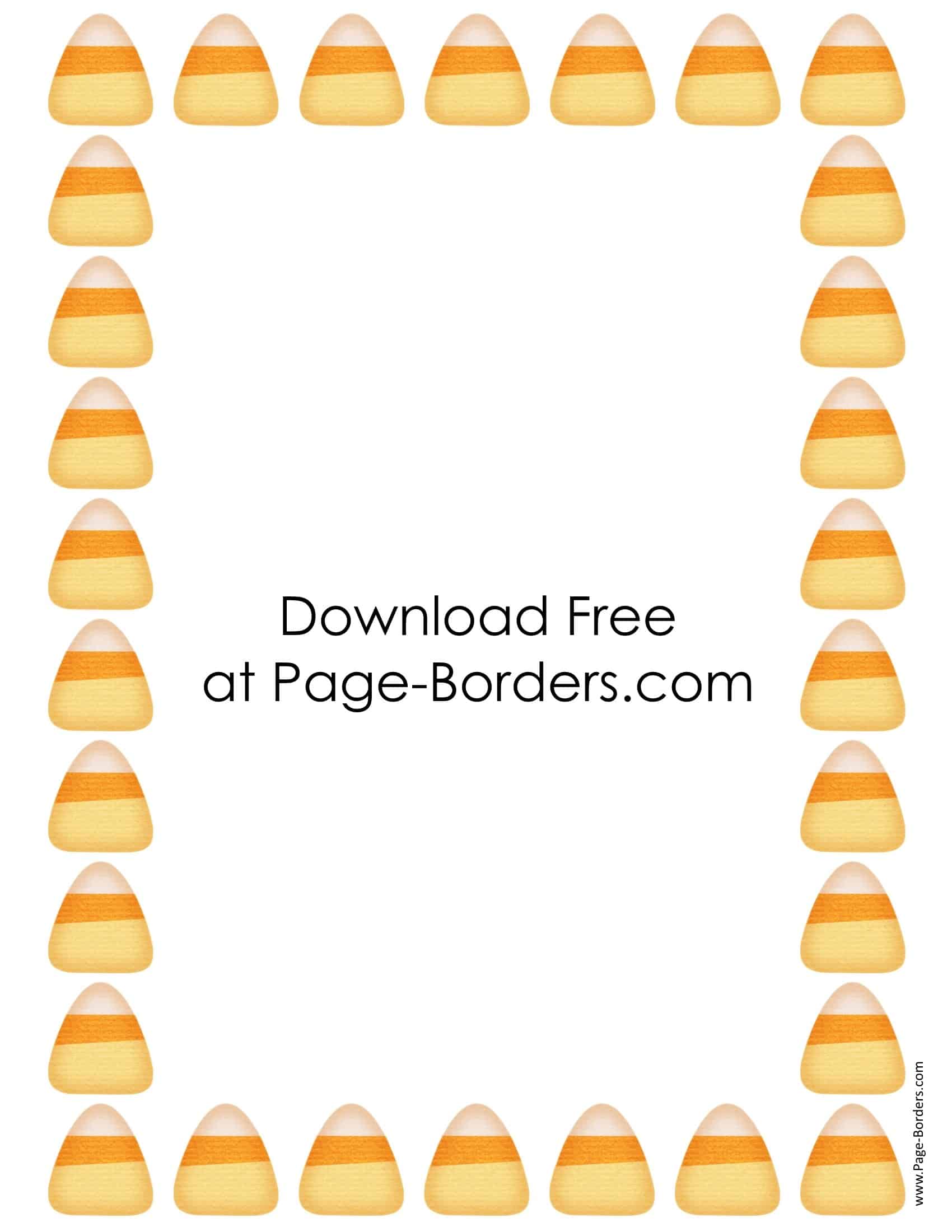
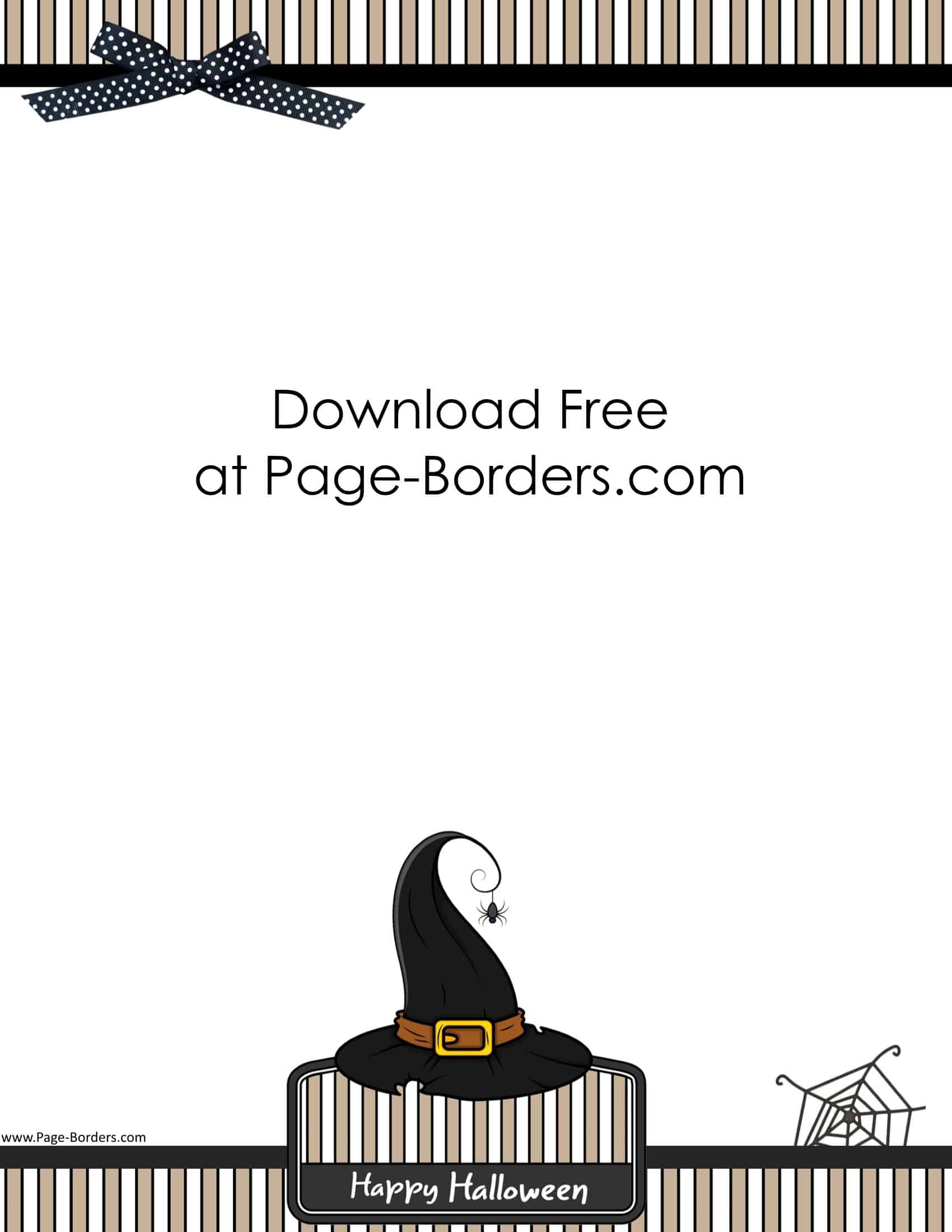

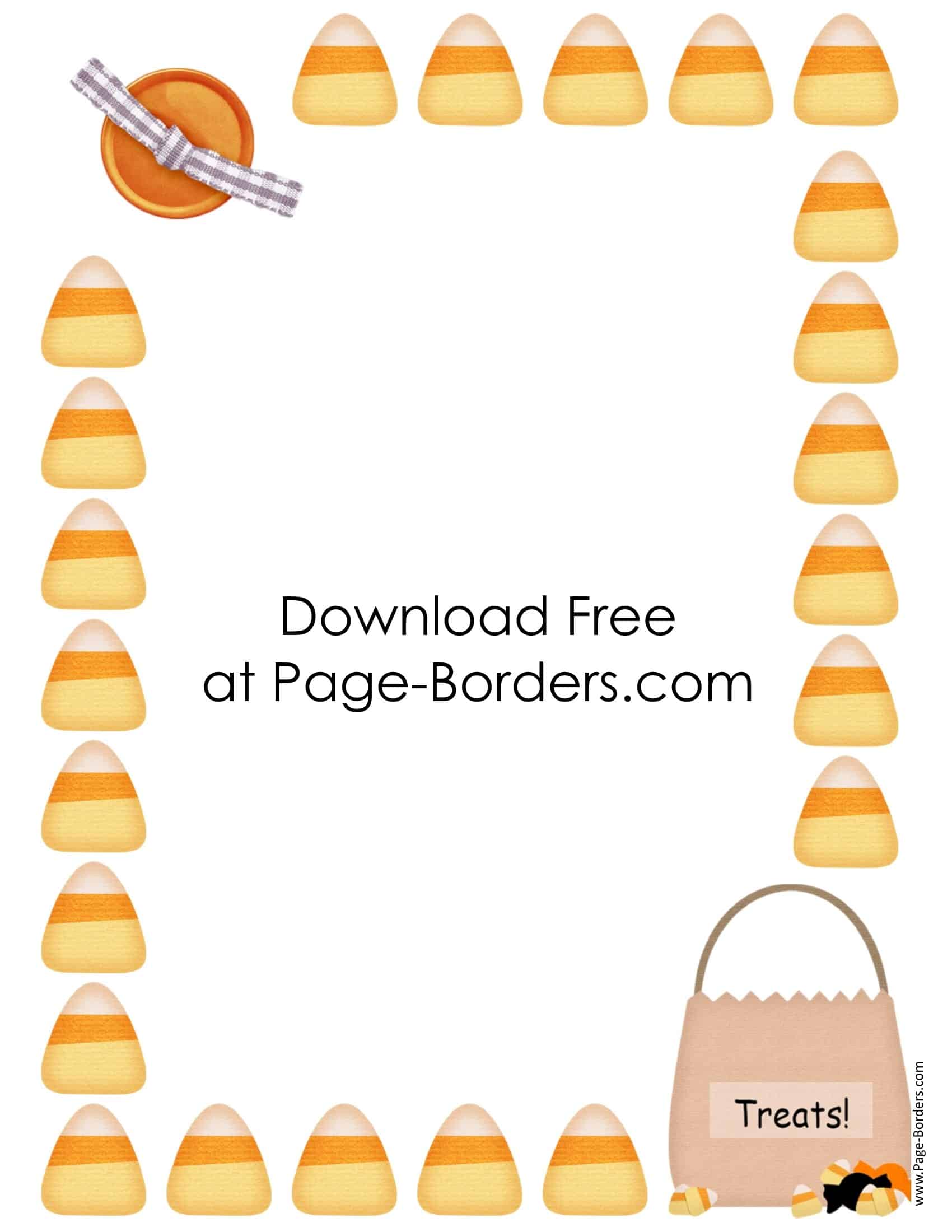
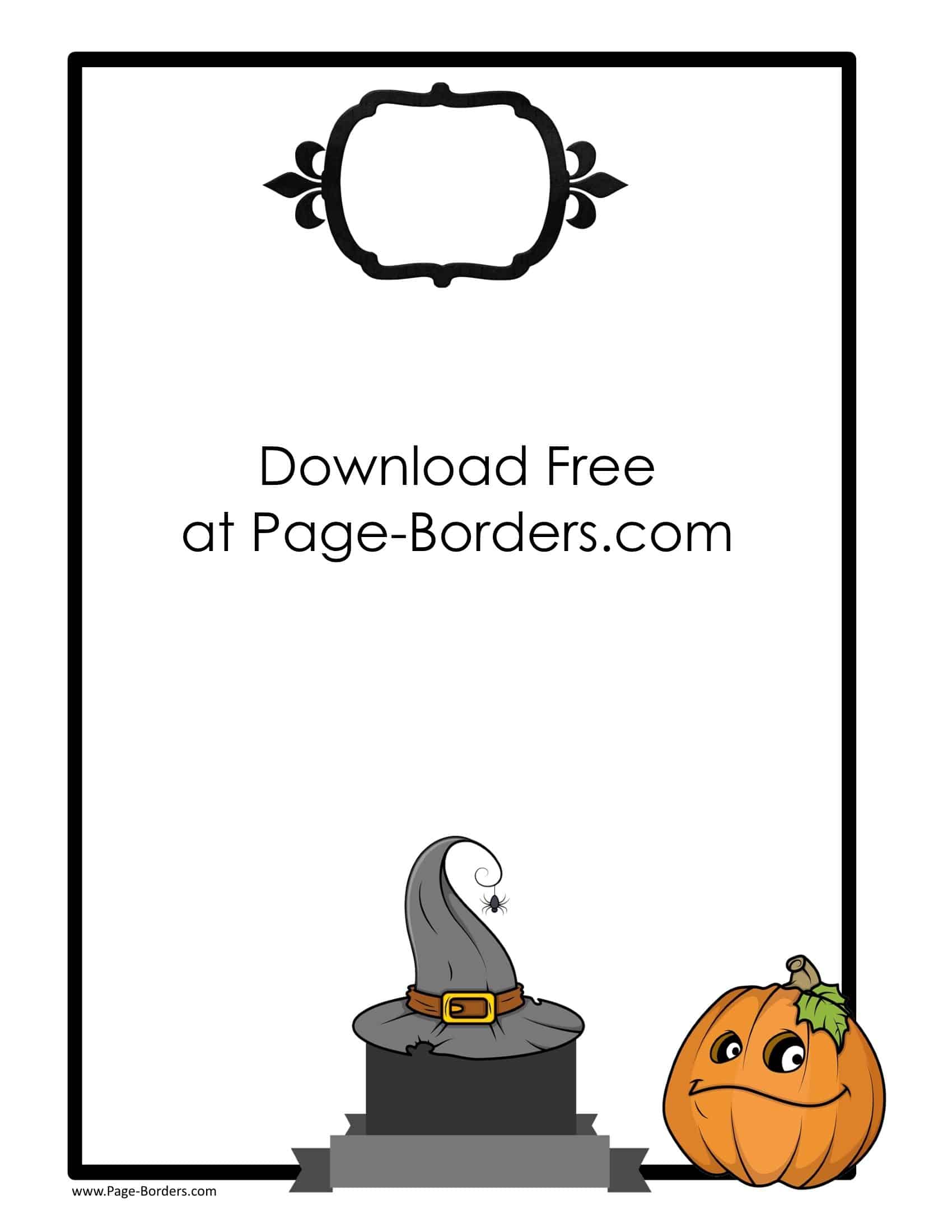
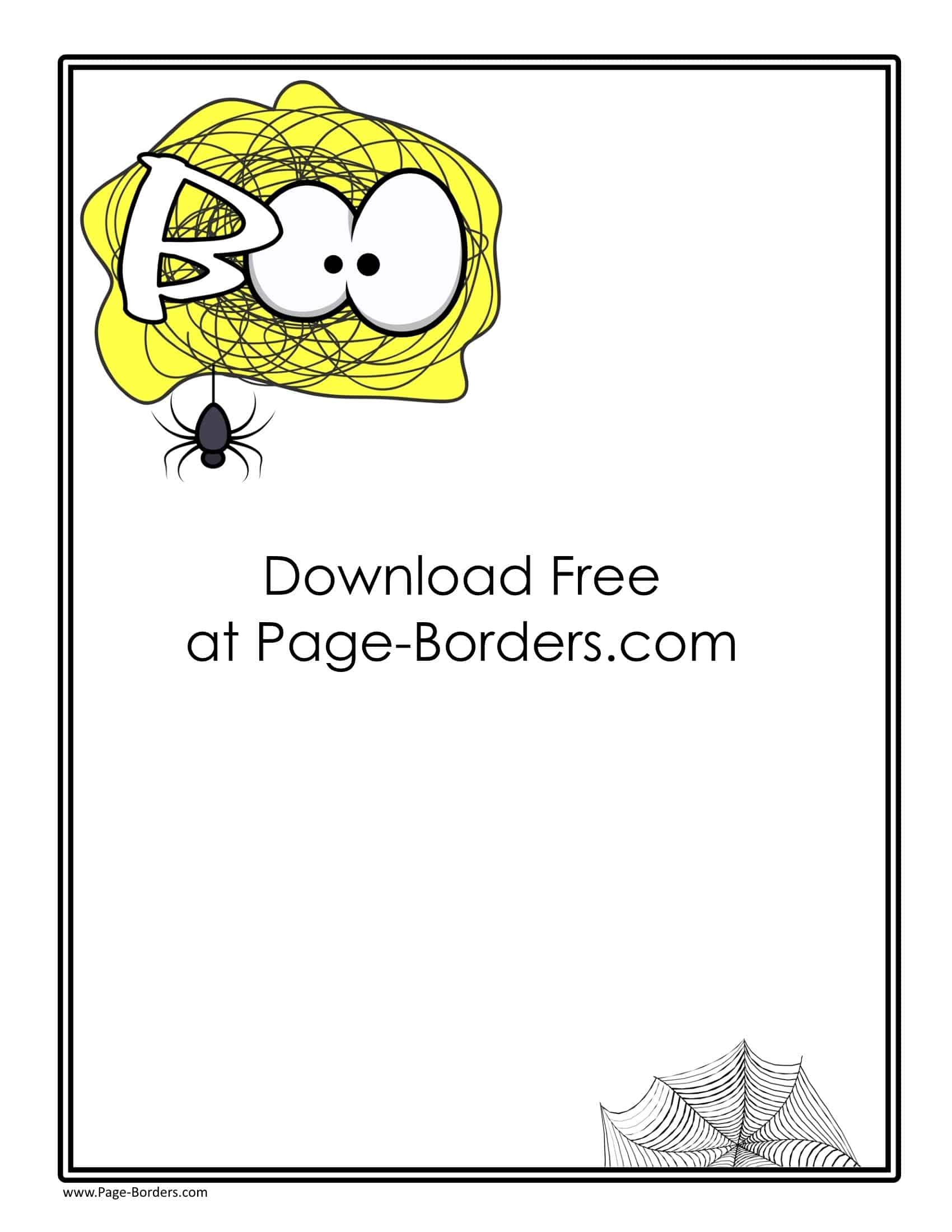
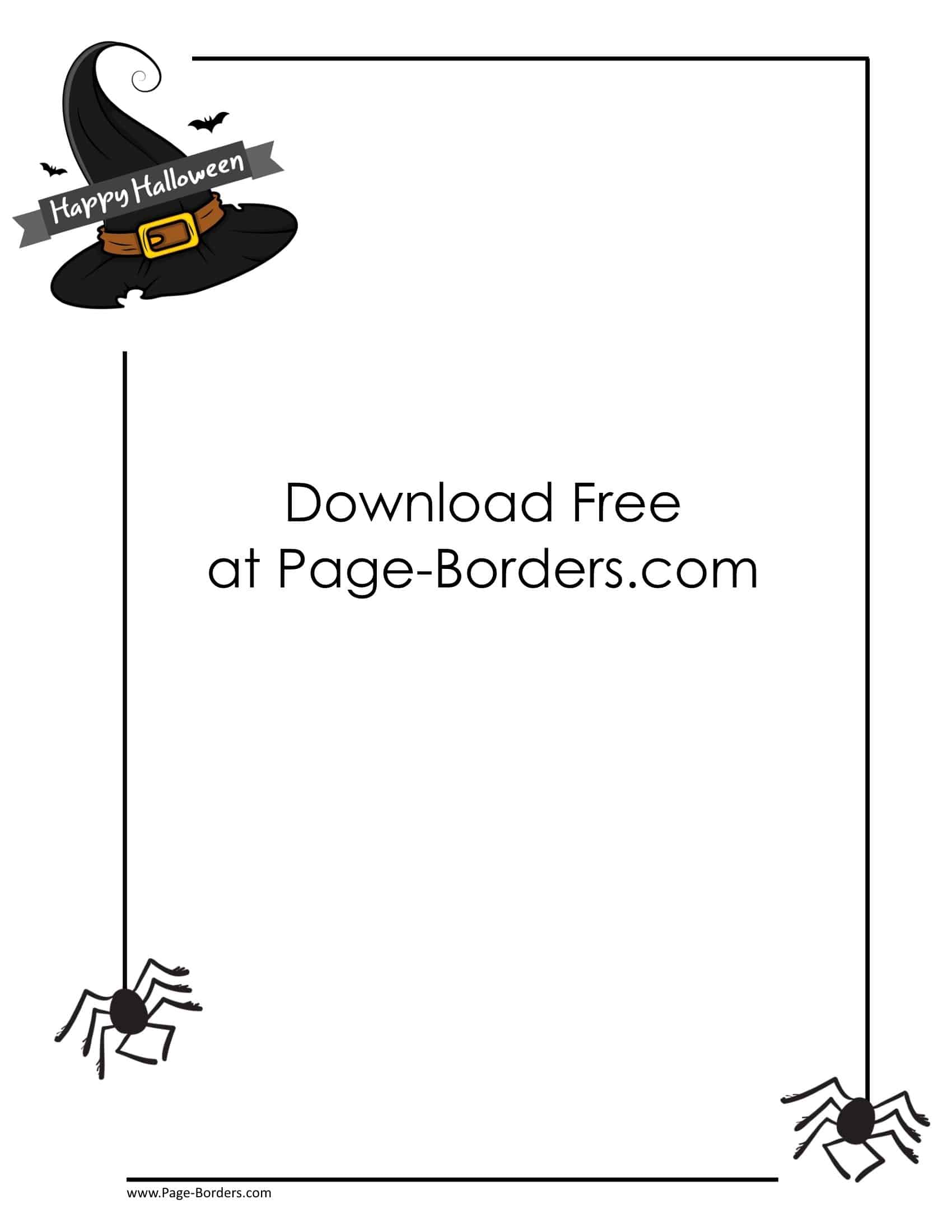

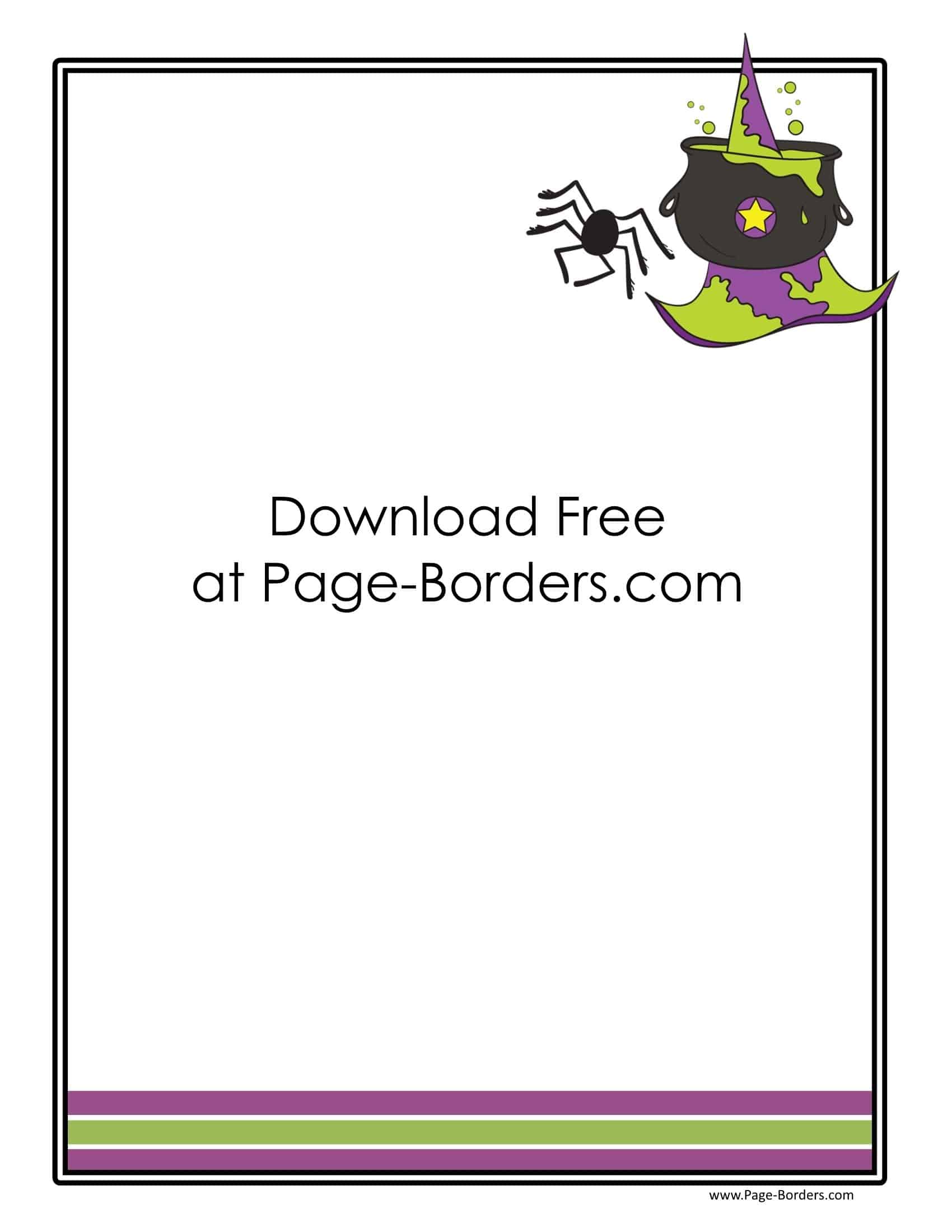
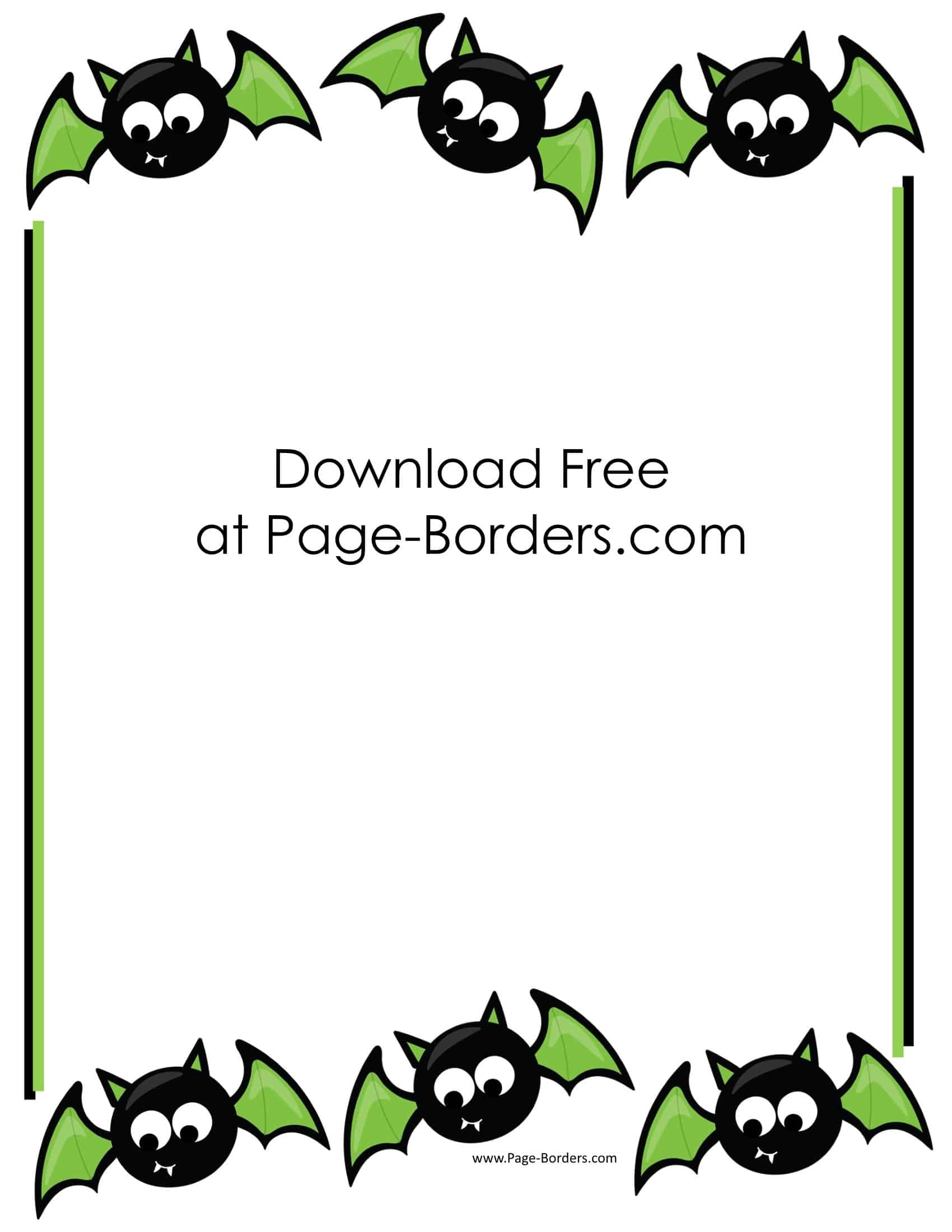
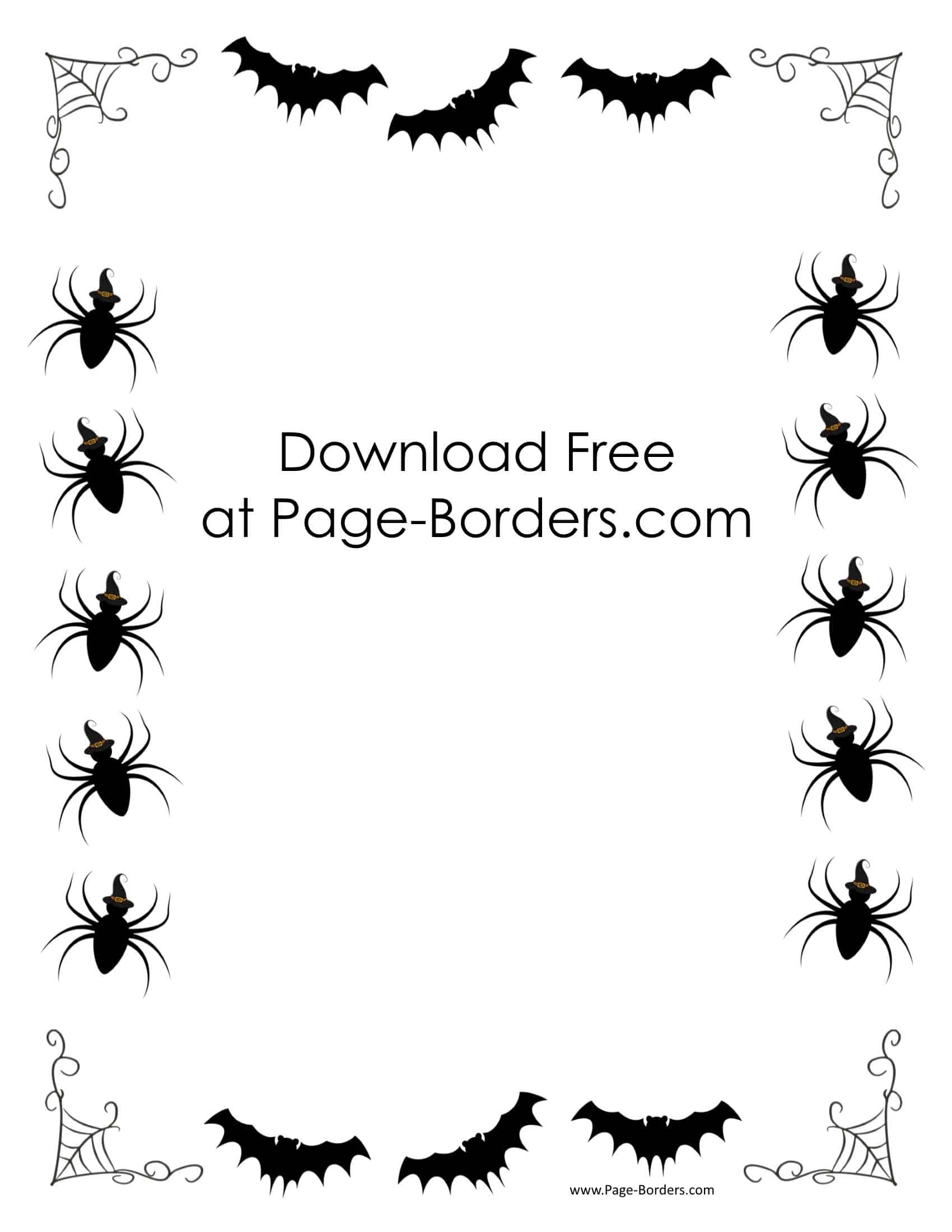
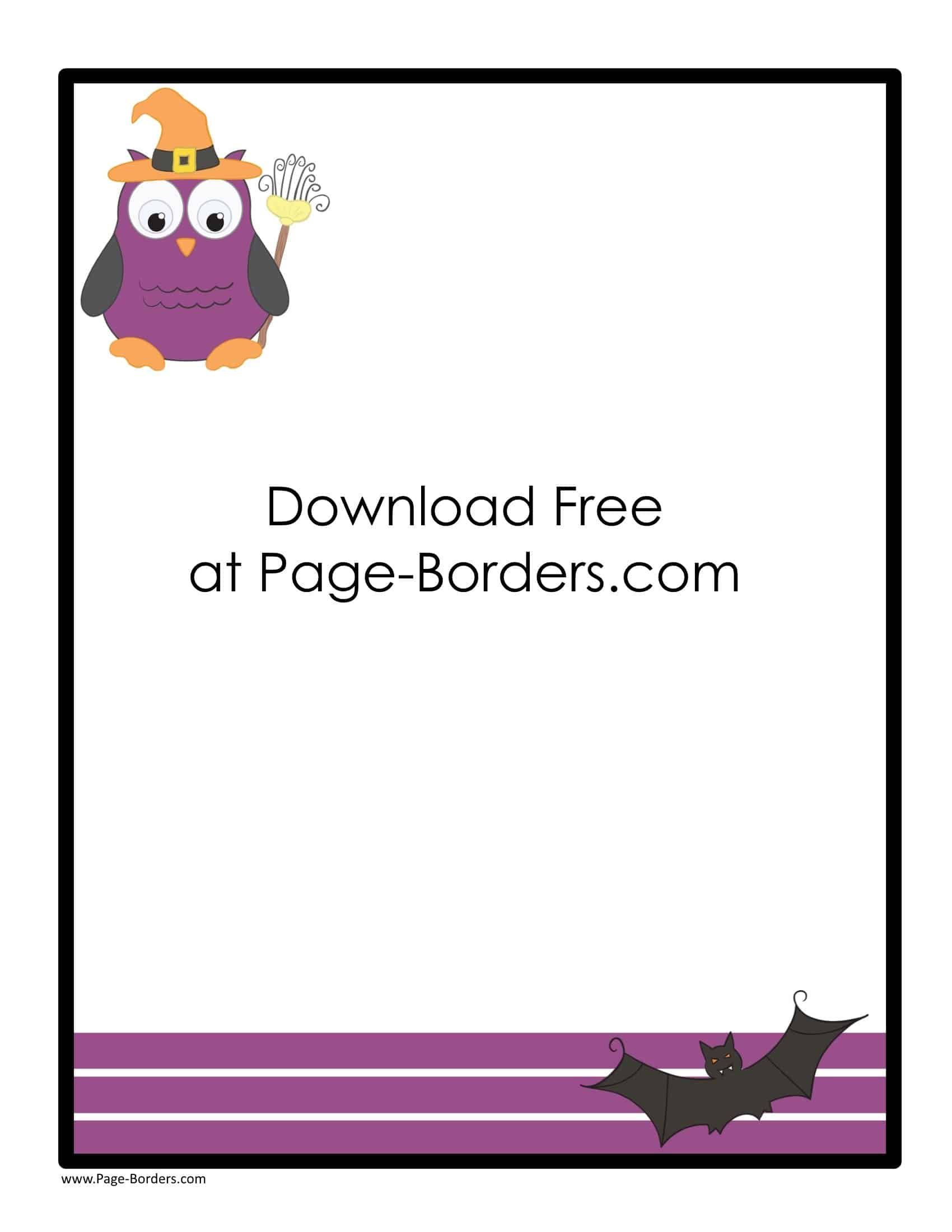
How to Customize the Halloween Border
- If you want to add text such as a title or message, click on the A icon
- If you want to add an image or clip art, click on the image icon
- Once you have customized the borders, you can download or print them.
They can be used for various purposes such as Halloween party invitations, messages, greeting cards, notices, etc.
Please do not place these page borders on any website without linking back to this page.
Halloween project ideas
- Party invitation: add the date, time, location, and costume details.
- Writing prompt: add “Behind the little door, I found…” and leave room for a story.
- Classroom sign: use a short heading with large, readable text.
- A friendly note: choose a playful pumpkin design for a less spooky project.
Print your Halloween border
Open a template to customize it, then choose PDF or image export where available. The designer may open in a new tab. For a clean print, check paper size and orientation, then print one test page.
Read the download and printing guide for clipped borders, file formats, and troubleshooting.
Keep creating
Browse Thanksgiving borders, children’s writing paper, or all borders.